
Welcome to NANOOS, the Northwest Association of Networked Ocean Observing Systems.
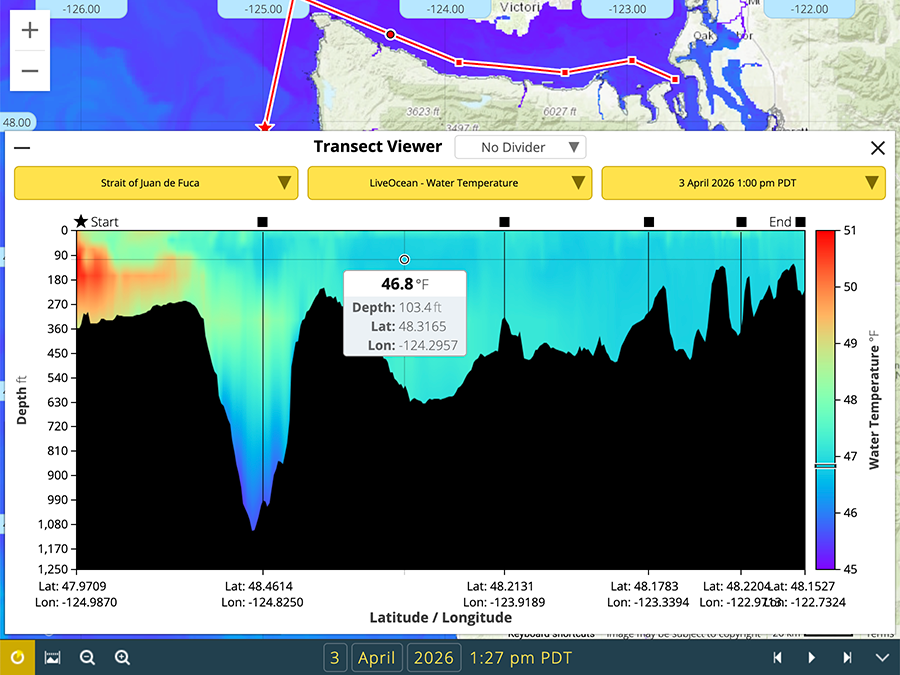
NANOOS Visualization System NVS provides easy access to observations, forecasts, data, and visualizations |
NANOOS Data Archive Access to NANOOS data via ERDDAP |


Areas of Emphasis
Quick Links
| National Observing System Partners NSF Ocean Observing Initiative (OOI) National Estuarine Research Reserve System (NERRS) Olympic Coast National Marine Sanctuary (OCNMS) National Data Buoy Center (NDBC) Coastal Data Information Program (CDIP) Integrated Ocean Observing System IOOS | |||||||